
JournalFit
Find the Right Journal and Format Your Paper for It
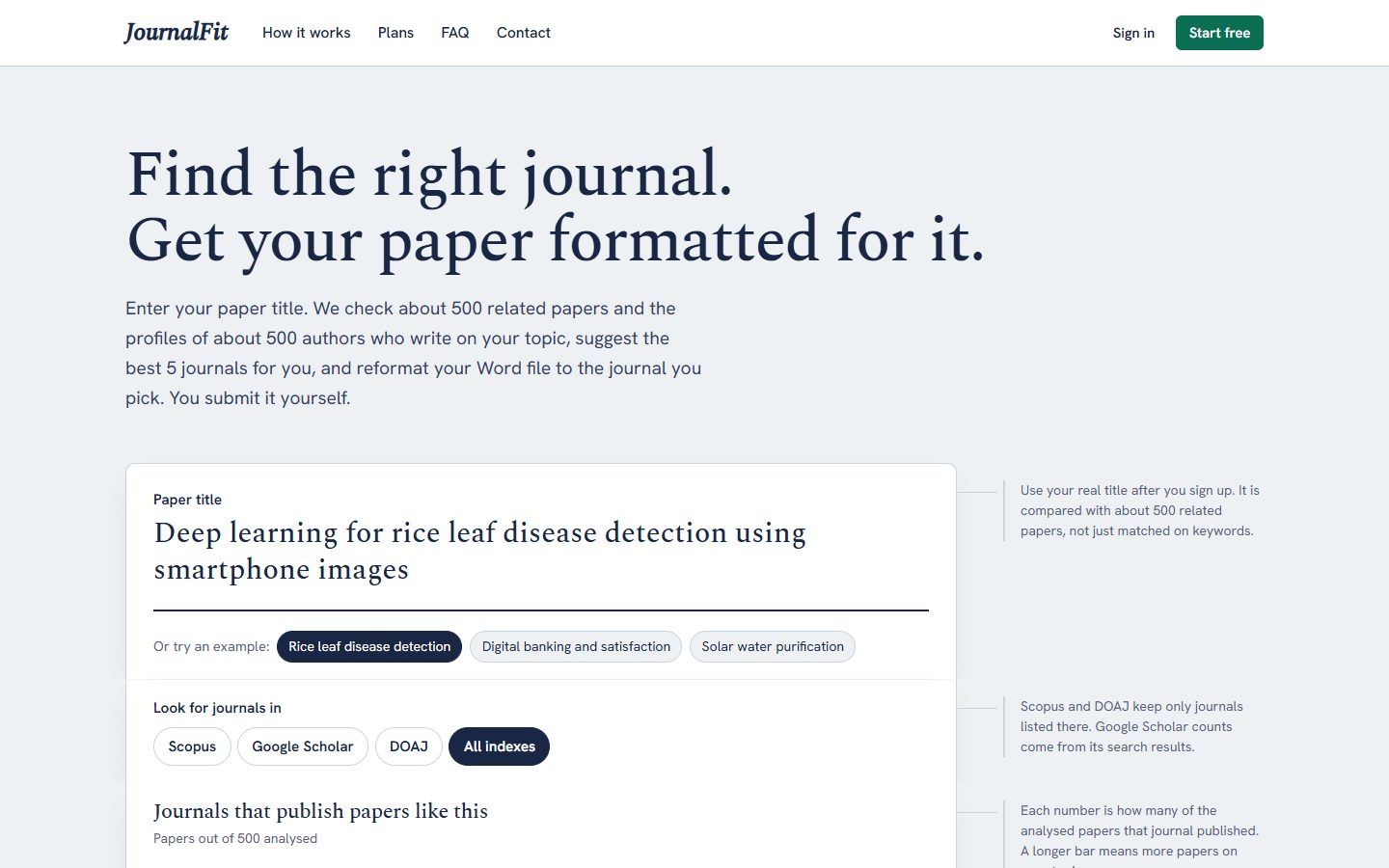
Enter your paper title to see which journals published the most related papers, then get your Word file formatted to that journal's author guidelines, with a full change report.
What JournalFit Does
JournalFit helps researchers choose the right journal and prepare their manuscript for it. Enter your paper title, and the tool checks about 500 related papers and the profiles of about 500 authors who write on your topic, then suggests the best 5 journals from Scopus, Google Scholar, DOAJ or all indexes. Each journal shows how many related papers it published, how many are recent, which indexes list it and a link to its website. Pick a journal, upload your Word file, and JournalFit reads the journal's author guidelines and reformats your .docx: page size, margins, fonts, spacing, headings, captions and the reference list in the journal's style. A change report lists every change and anything you still need to check by hand. You submit on the journal's site yourself, so your account and declarations stay yours, and you can track the submission status in JournalFit.
Powerful Features
Journal Finder by Title
Enter your paper title (and abstract, if you like) and get the 5 journals that published the most papers like yours.
Real Related-Paper Analysis
Your title is compared with about 500 related papers and about 500 author profiles, not just matched on keywords.
Scopus, Google Scholar & DOAJ
Choose where to look: Scopus, Google Scholar, DOAJ or all indexes, and see which indexes list each journal.
Format to Author Guidelines
Upload your Word file and it is reformatted to the chosen journal's author guidelines, read from its link, a PDF or pasted text.
References in Journal Style
The reference list is rewritten in the journal's citation style, with DOIs kept.
Limits Checked
Abstract word count, keywords, title length and total words are checked against the journal's limits.
Transparent Change Report
Every change is listed with old and new values, plus a short list of anything you still need to check by hand.
Submission Tracker
Submit on the journal's site yourself, then track the status from submitted to under review, revision, accepted or published.
Project Gallery

Explore the Full Edwin Software Suite
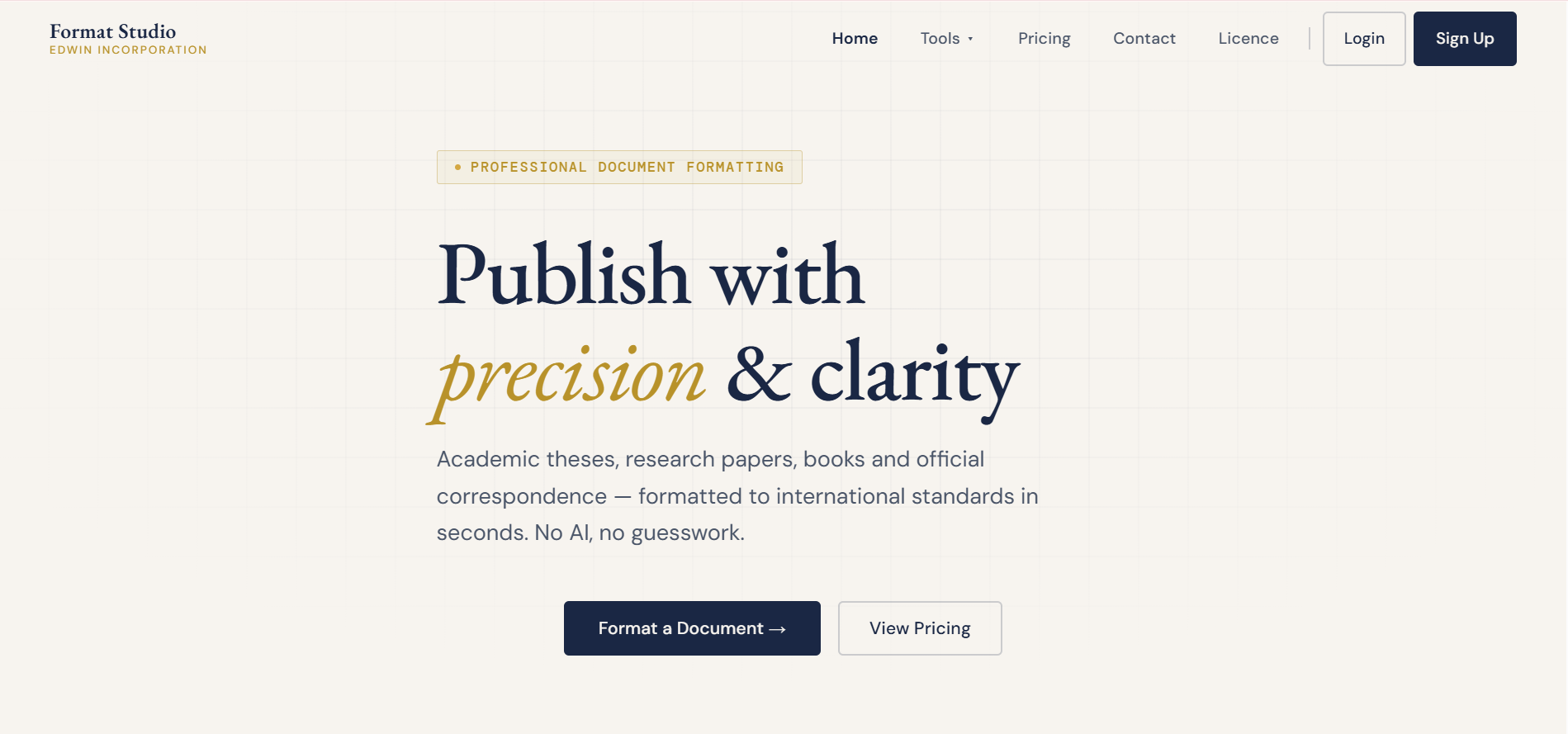
Formatting, scoring, plagiarism checks and business automation — all built in-house.
View All Software